


Egnyte AEC Solution Brief

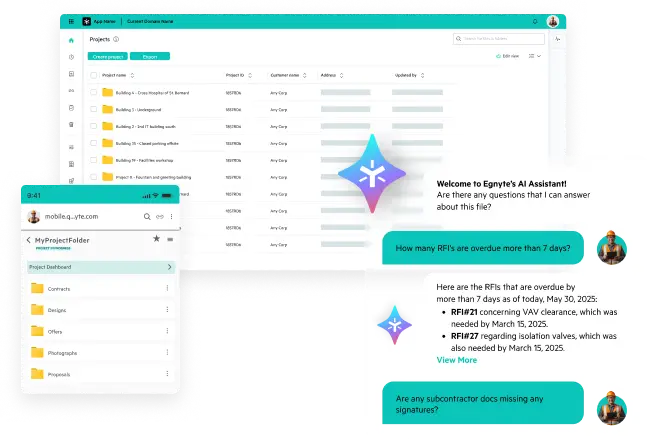









Egnyte enables AEC firms to unify data from designs to emails. Integrating
with Autodesk, Procore, and Bluebeam, it streamlines collaboration and
unlocks project insights.


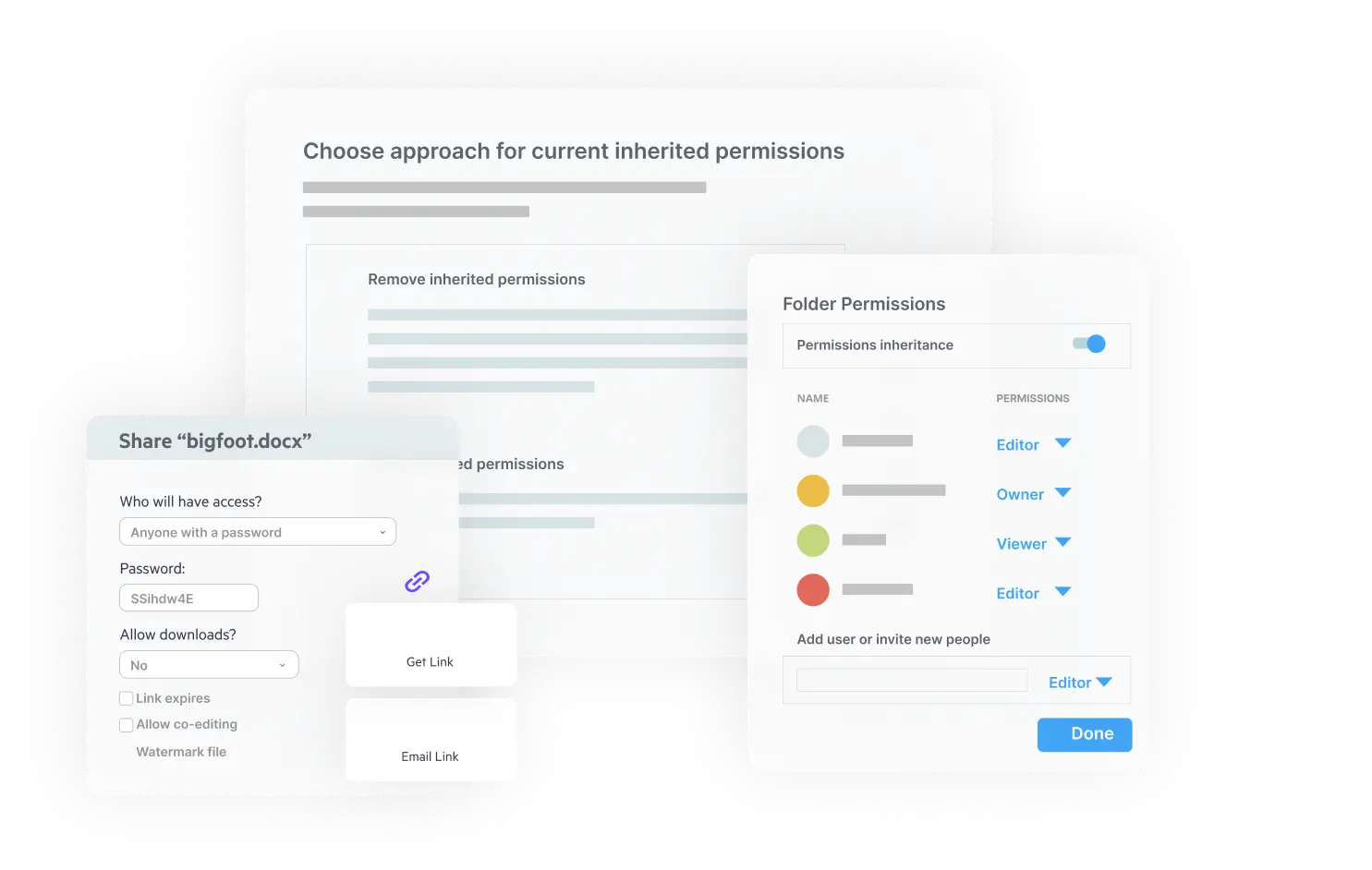
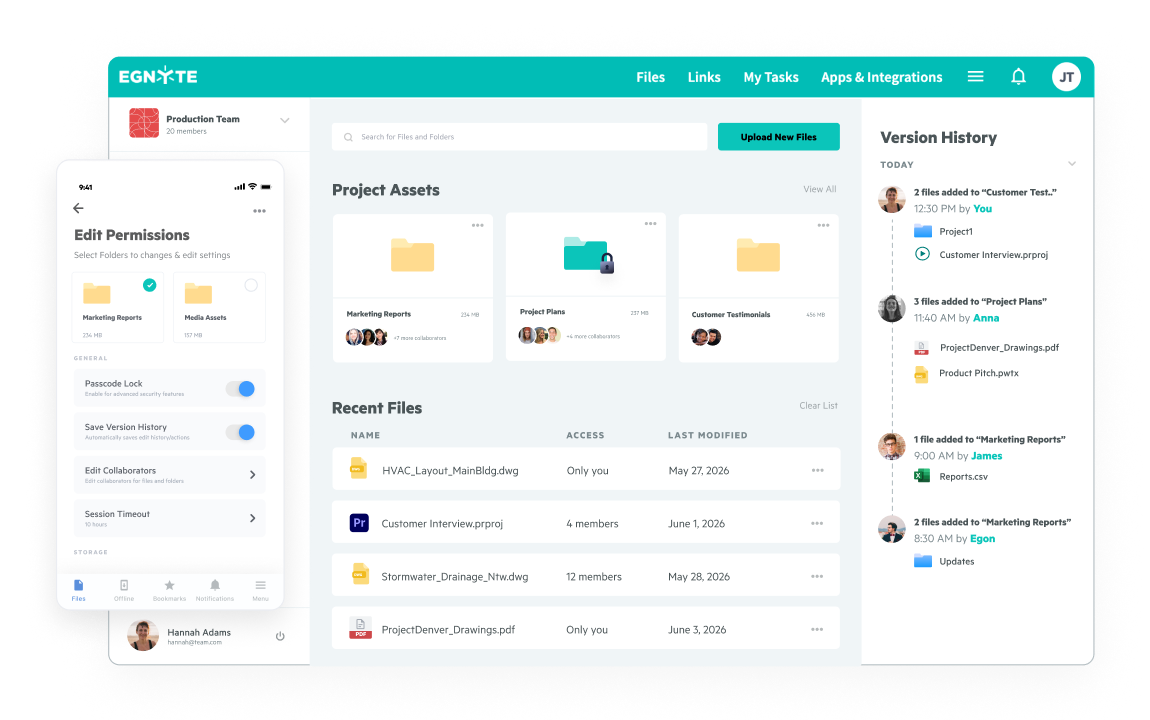
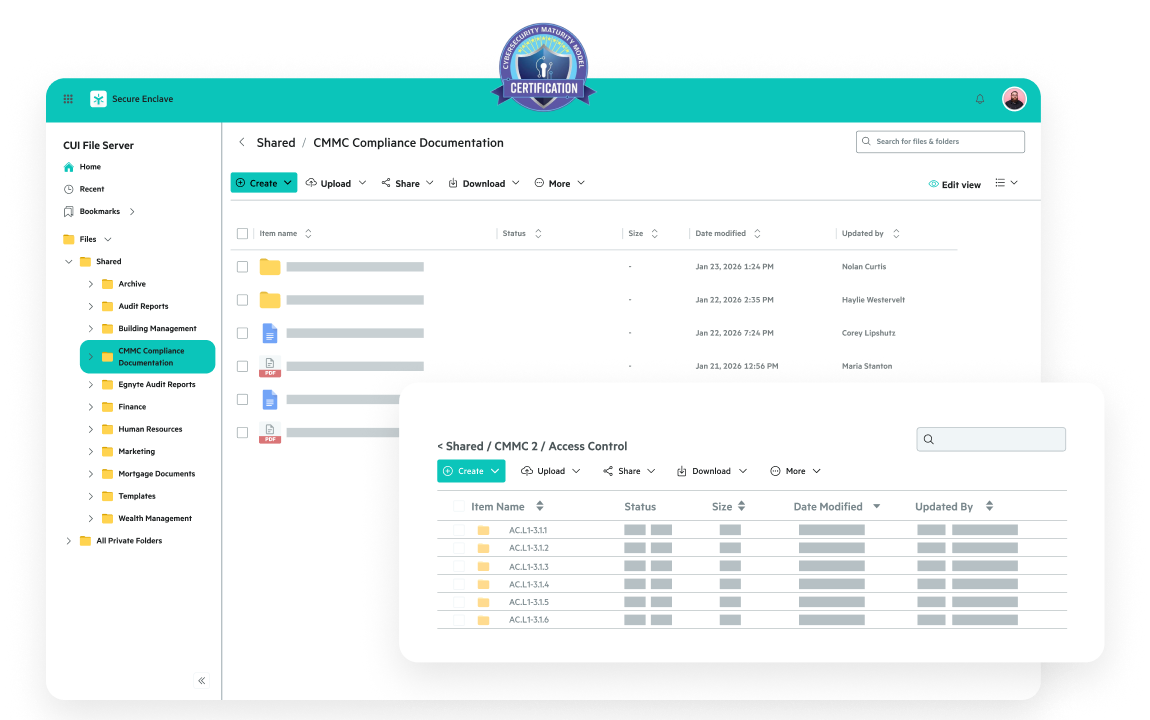
Replace file servers and support legacy design apps with a secure, cloud-based hub for project data and drawings.
Securely share, locate, and coedit large files without slowing teams down.
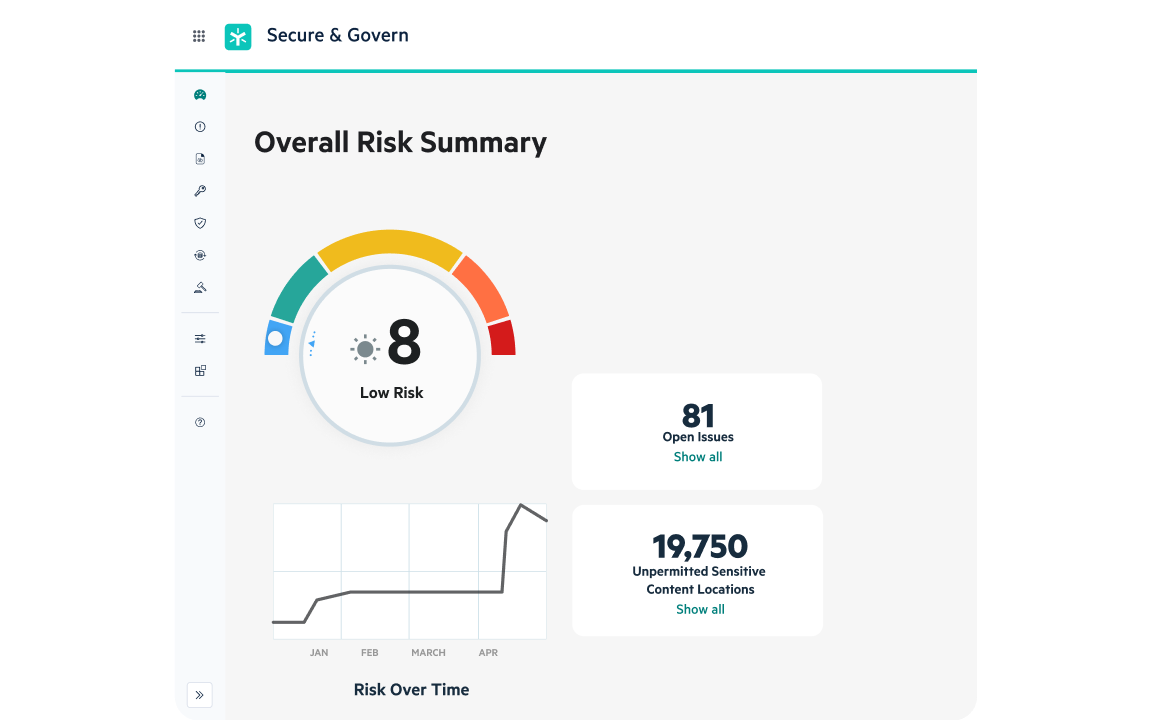
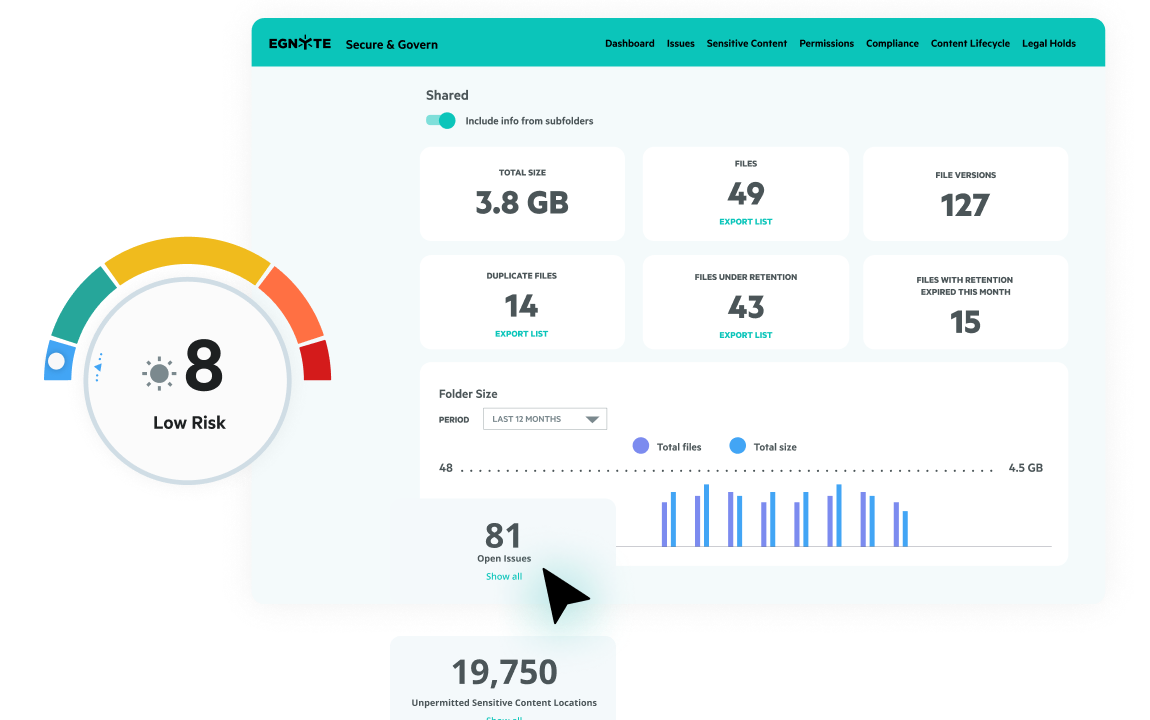
Detect and mitigate unusual file activity to safeguard intellectual property and client data.
Protect project files with built-in monitoring, instant alerts, and rapid recovery tools.
Meet strict DoD data requirements with role-based access and audit-ready controls.
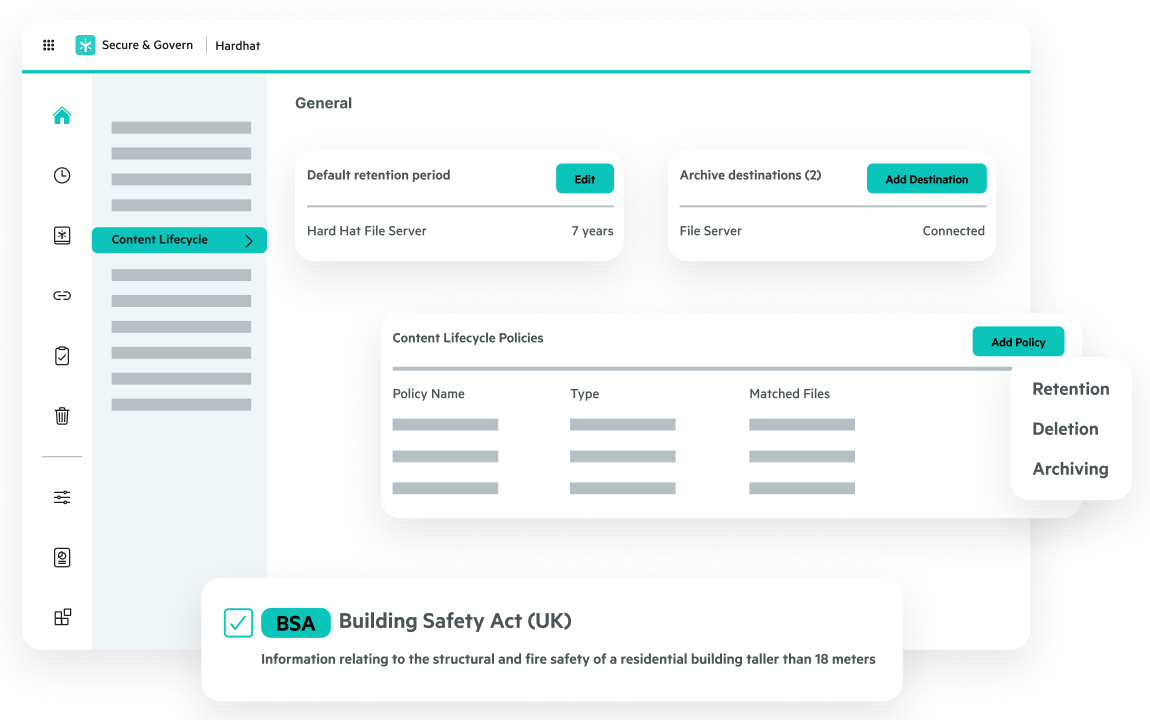
Maintain a compliant “Golden Thread” of information for safer building operations.
"Not every user that needs project data needs to be in ACC. We wanted to have that data readily available in a Windows File Explorer experience that they're accustomed to seeing."
“Egnyte enables us to collaborate with clients with more transparency, and that has really built trust and strengthened those relationships … They make it easy for us to take on increasingly complex projects more quickly and effectively.”

"The company had ambitions to support a more flexible and secure hybrid working model ... If you look at the man-hours saved the first two weeks of the pandemic, Egnyte paid for itself right there and then."

“With Egnyte, we get the file server experience we’ve had for the last decade, with all the modern features of a cloud platform.”

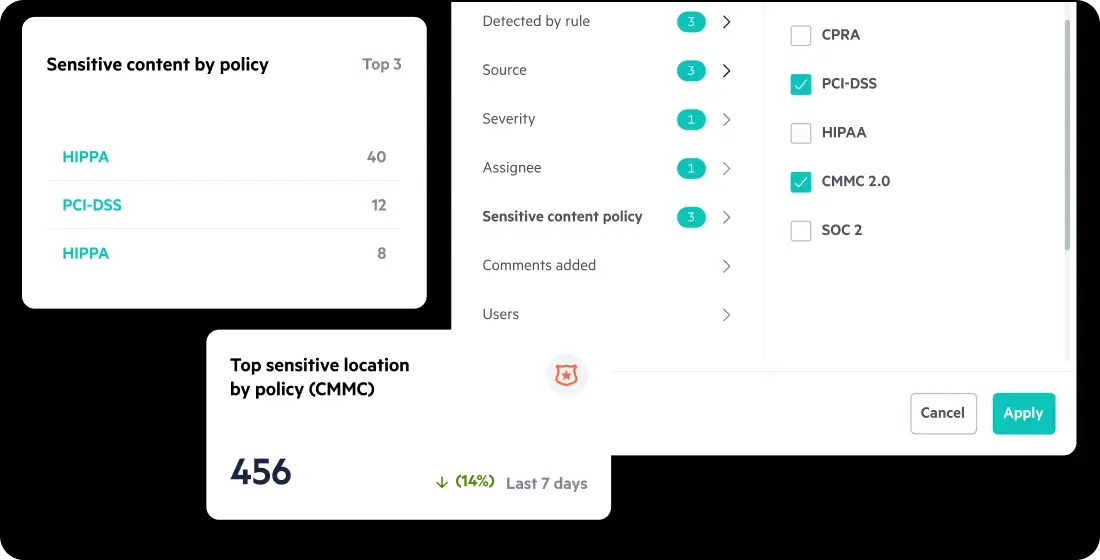
“Being an electrical contractor that does federal work, it’s an important part of our security posture to be able to satisfy all of the necessary requirements, especially when it comes to the protection and access of files. We were really excited to see the EgnyteGov product because in a very simple way we could meet the requirements as outlined in CMMC.”
Want to see what Egnyte has for your organization?




Egnyte Partners With Industry Associations










$22 / User / Month
Paid annually*
$39 / User / Month
Paid annually*
MOST POPULAR
Advanced AI
$48 / User / Month
Paid annually*
Advanced AI
Contact us for a
custom quote

Egnyte is trusted by thousands of IT leaders and end users. We are industry leaders in data security, data governance, cloud content collaboration, and tools for IT managers.

Cloud Content
Collaboration
Data
Security
Data
Governance
Data-Centric
Security
Sensitive
Data Discovery
Autodesk Construction
Cloud Integration
Partners
Electronic Trial
Master File (eTMF)
Have more questions? Contact Sales to get the answer you’re looking for.
To securely share large AEC files, use a cloud-based AEC file-sharing platform that offers end-to-end encrypt role-based permissions, and secure sharing of large file types like CAD, BIM, and point cloud. Features such as password-protected links, download tracking, auto-expiring links, download tracking, and auto-expiring access ensure compliance and protect sensitive project data across the architecture, engineering, and construction project lifecycle.
A centralized document management system with automated versioning, real-time sync, and check-in/check-out ensures capabilities will prevent overwrites and duplications. This helps eliminate duplication and improves collaboration on mission-critical content like design documents, models, or markups—whether in the studio, the trailer, or the field.
Yes. Leading AEC cloud platforms support native design formats such as AutoCAD (.dwg), Revit (.rvt), Navisworks (.nwd), and other large design files. These systems offer fast previews, search, and access,even without the native software,helping design, engineering, and construction teams work more efficiently.
Absolutely. Granular permission controls let you assign view-only, edit, or time-limited access to specific files or folders for external collaborators. This balances accessibility with security, ensuring only architects, engineers, contractors, and owners access the right data, minimizing risk, and enabling seamless collaboration.
AEC-specific document management tools offer mobile and desktop apps with offline sync so that field crews can access plans, specs, or RFIs without internet connectivity. Changes sync automatically once the device reconnects to the network.
Architecture, engineering, and construction firms should use platforms with built-in ransomware detection, real-time alerts, and one-click recovery options. Automated backups and version history allow users to recover data quickly after a cyberattack, accidental deletion, or system failure.
Yes, integration with industry-standard platforms like Procore, Autodesk Forma, Bluebeam, and Microsoft 365 ensures files remain synchronized and accessible across all project phases, streamlining collaboration between designers, engineers, project managers, and field teams.
Ready to stop losing time and money to file management chaos?
See how Egnyte streamlines data management for architects, engineers, and contractors.