



Featured eBook

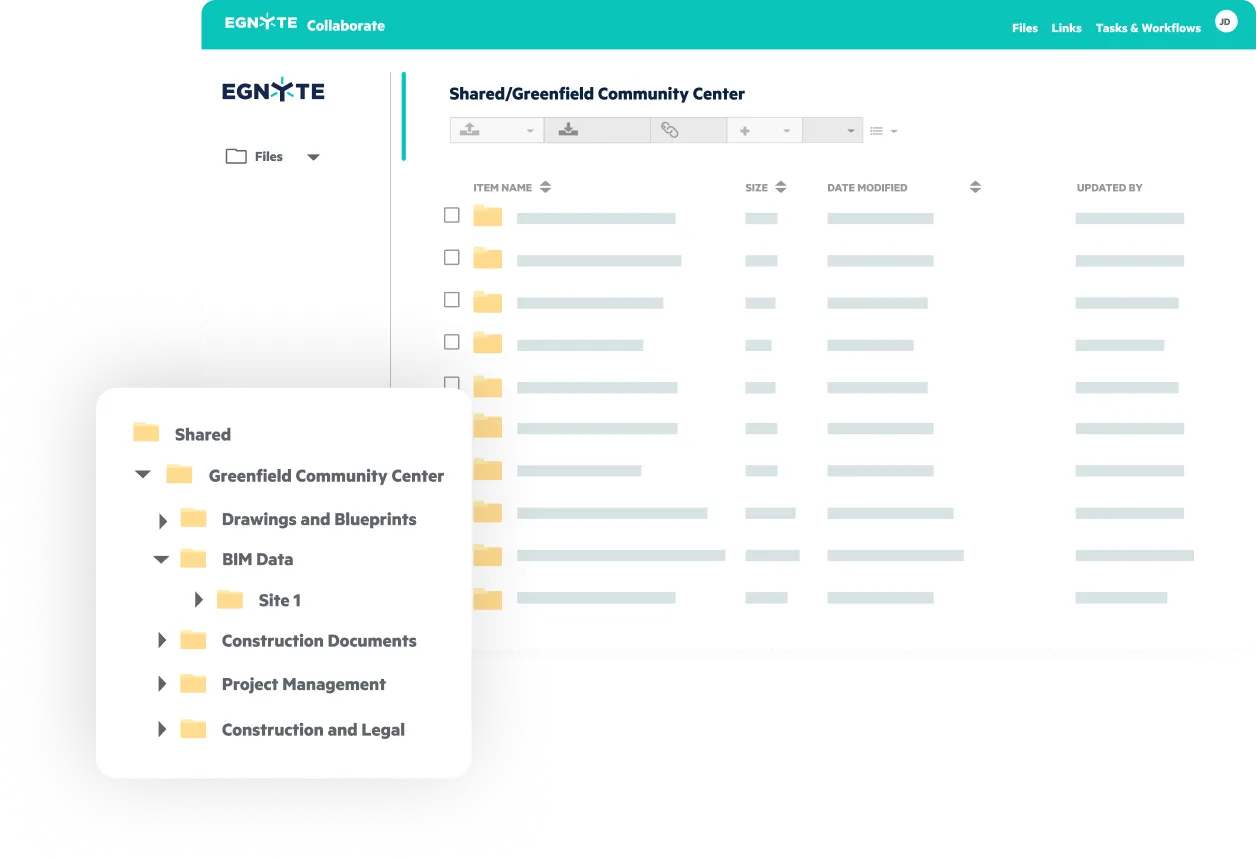

Egnyte empowers architecture, engineering, construction firms and operators to collaborate, while maintaining compliance and control - through every phase of the build process.
Architects choose Egnyte to unify creativity and control, enabling
seamless collaboration, integration across tools, AI-driven insights, and
enterprise-grade governance from concept through closeout.
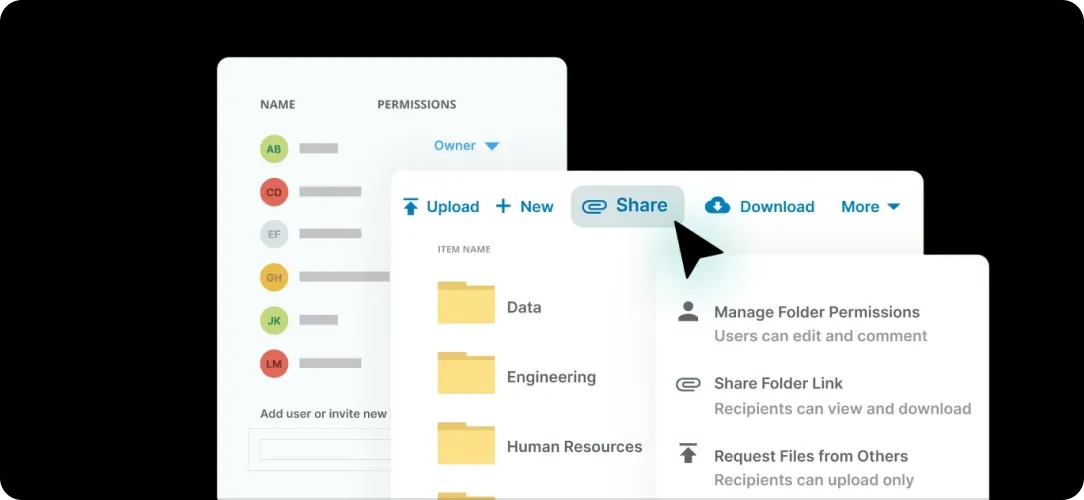
Access project data anywhere, connecting studios, partners, and clients through one secure, centralized design environment.
Works with Autodesk, Bluebeam, and 40+ AEC apps with built-in search, previews, and model version awareness.
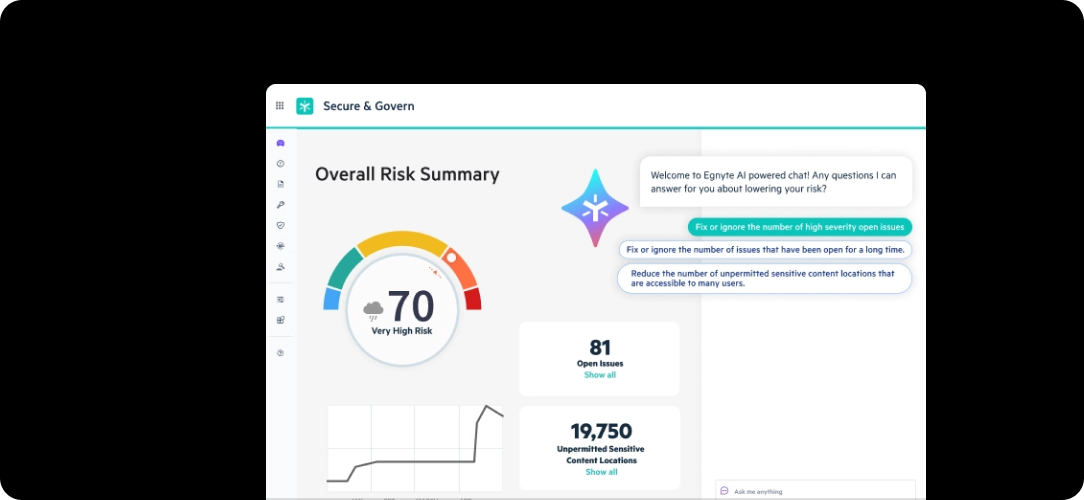
Turn every project file into firmwide knowledge with AI-powered classification, Ask, AI Assistant, and AEC agents.
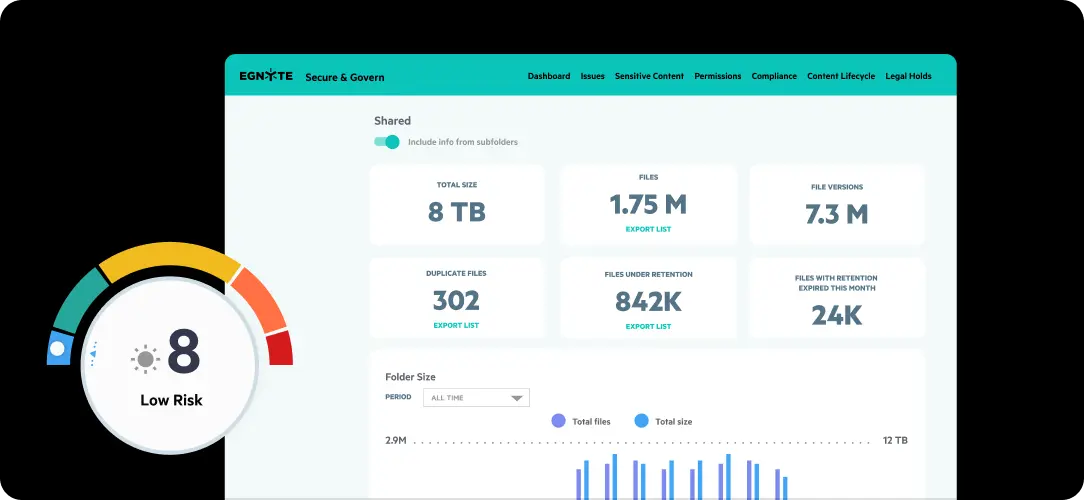
Protect intellectual property and ensure compliance with automated retention, permissions, and security protocols.
Centralize data, streamline field access, and secure collaboration.



“When we moved to Egnyte, it wasn’t just about storage. It was about resilience. During storms or outages, our teams could keep working from anywhere, and that flexibility has become a real game changer for us.”

"Egnyte makes collaboration with partner firms effortless. From co-editing to file sharing, it allows us to work securely and efficiently, ensuring every participant works from a single, trusted source."
“Egnyte brought us back to a streamlined way of working. We complete tasks as quickly as we did when everyone was in the same room.”

“Egnyte’s structure and accessibility have saved us countless hours. It’s one of the key factors that keeps our project timelines on track.”

“Egnyte was easy to use, handled large files effortlessly, and gave us seamless access across every office and project site.”
“With Egnyte, partner collaboration is simple and secure. Every firm works from the same structure, and our teams maintain full control and visibility of shared project data.”
Egnyte connects with leading design tools, keeping your project workflows seamless, secure, and intelligently synchronized.






Have more questions? Contact Sales to get the answer you’re looking for.
To securely share large AEC files, use a cloud-based AEC file-sharing platform that offers end-to-end encrypt role-based permissions, and secure sharing of large file types like CAD, BIM, and point cloud. Features such as password-protected links, download tracking, auto- expiring links, download tracking, and auto-expiring access ensure compliance and protect sensitive project data across the architecture, engineering, and construction project lifecycle.
A centralized document management system with automated versioning, real-time sync, and check-in/check-out ensures capabilities will prevent overwrites and duplications. This helps eliminate duplication and improves collaboration on mission-critical content like design documents, models, or markups—whether in the studio, the trailer, or the field.
Yes. Leading AEC cloud platforms support native design formats such as AutoCAD (.dwg), Revit (.rvt), Navisworks (.nwd), and other large design files. These systems offer fast previews, search, and access, even without the native software, helping design, engineering, and construction teams work more efficiently.
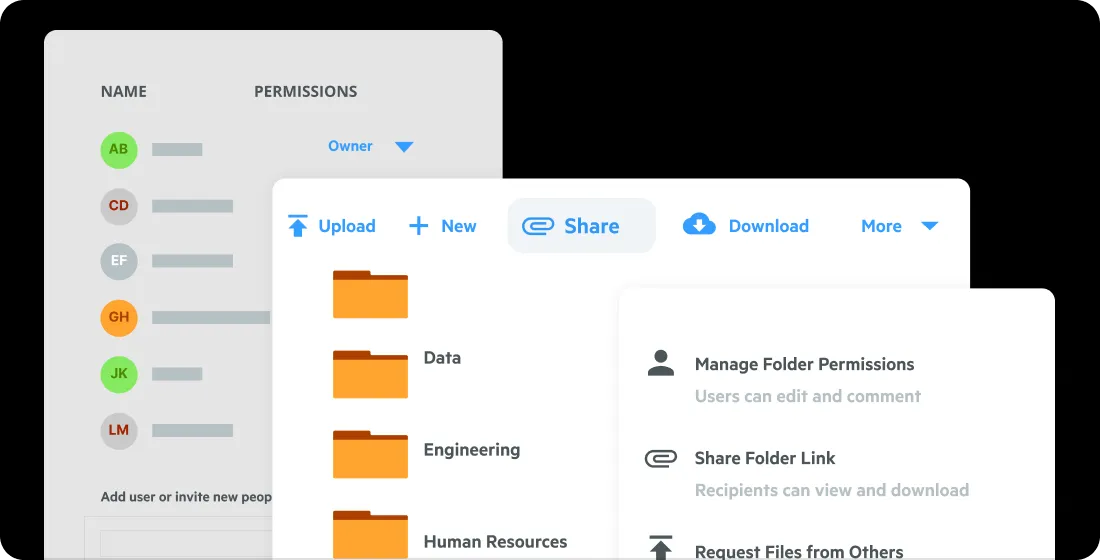
Absolutely. Granular permission controls let you assign view-only, edit, or time-limited access to specific files or folders for external collaborators. This balances accessibility with security, ensuring only architects, engineers, contractors, and owners access the right data, minimizing risk, and enabling seamless collaboration.
AEC-specific document management tools offer mobile and desktop apps with offline sync so that field crews can access plans, specs, or RFIs without internet connectivity. Changes sync automatically once the device reconnects to the network.
Yes, integration with industry-standard platforms like Procore, Autodesk Forma, Bluebeam, and Microsoft 365 ensures files remain synchronized and accessible across all project phases, streamlining collaboration between designers, engineers, project managers, and field teams.
Bring your architects, engineers, and consultants into one connected environment where design data stays secure, accessible, and intelligent.