




Featured Resource

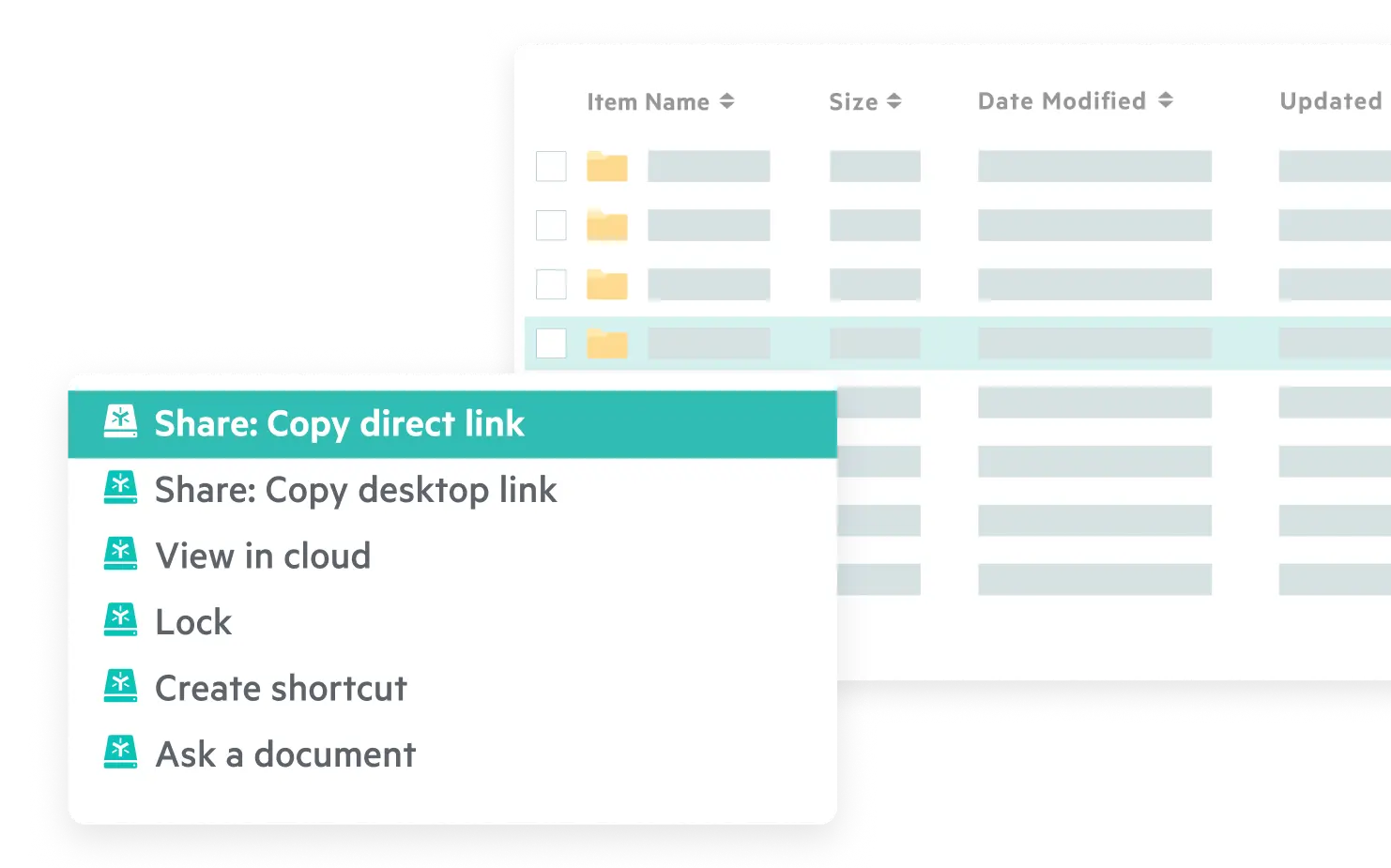









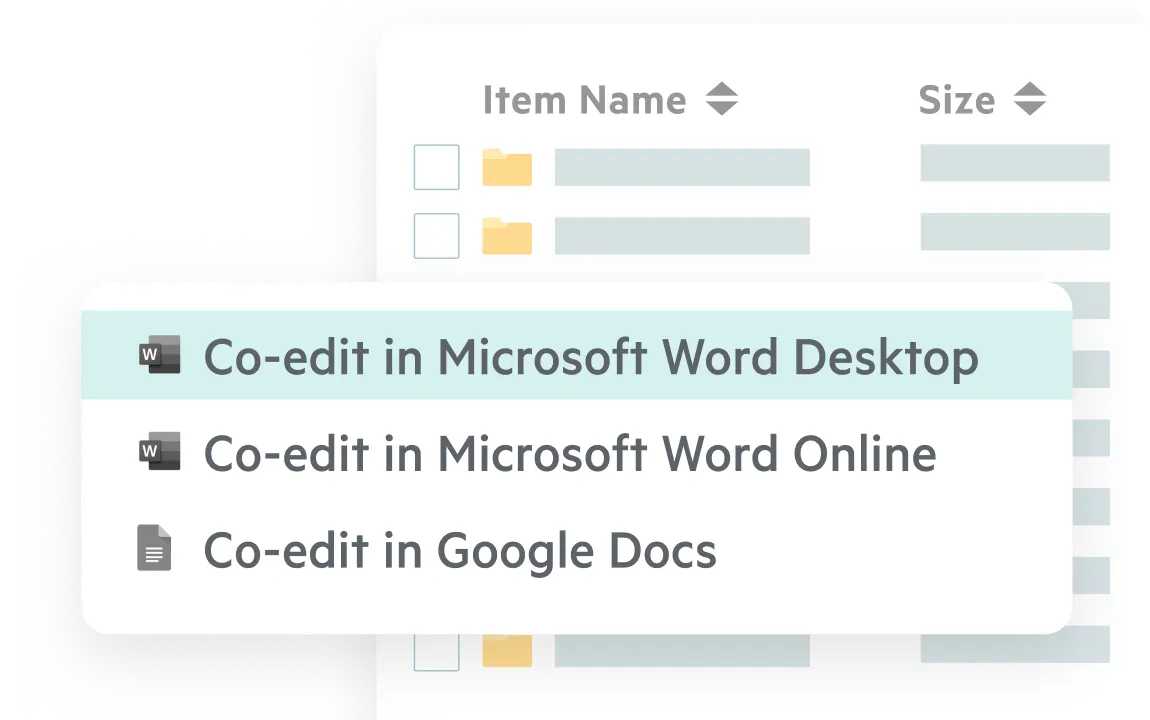
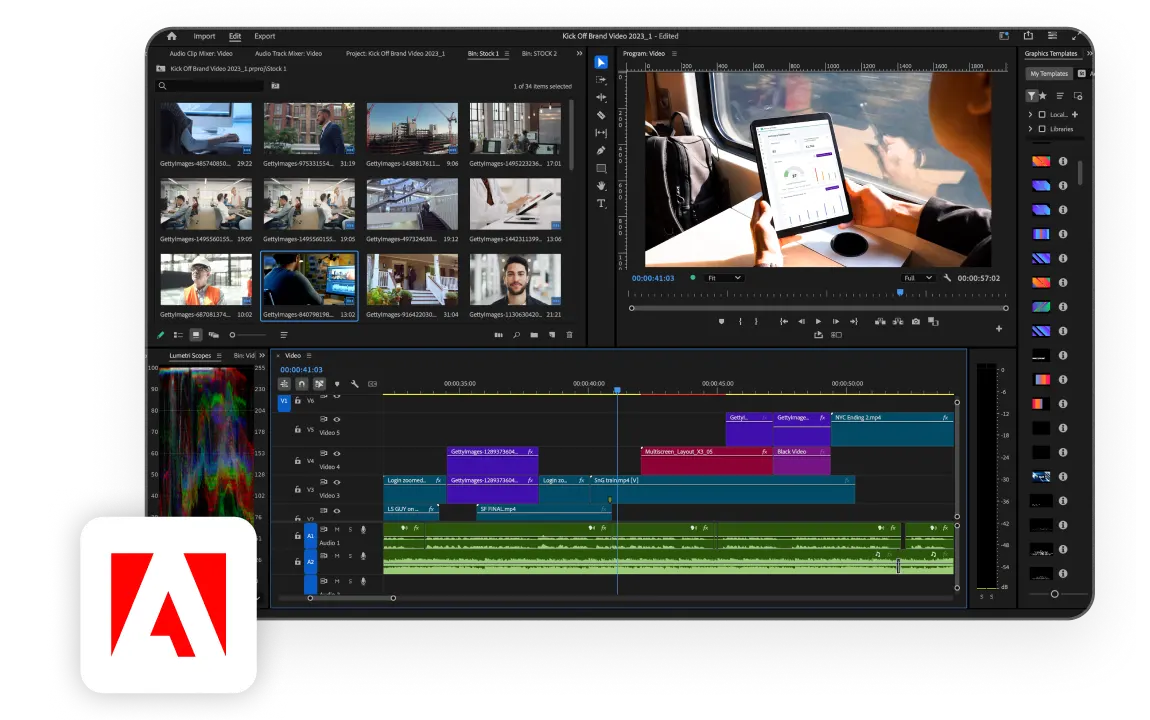
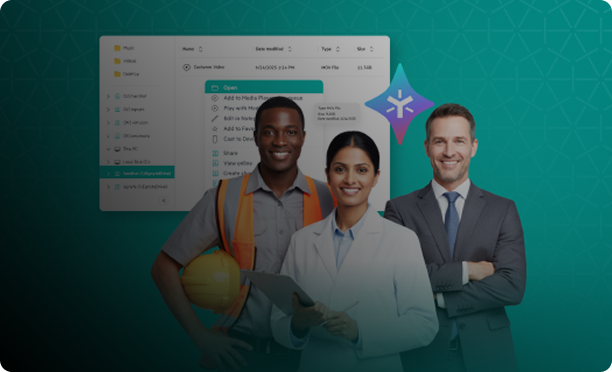
Share and co-edit files from your desktop. Use built-in AI to query content and build agents from the desktop app, so you stay productive without disrupting how you work.
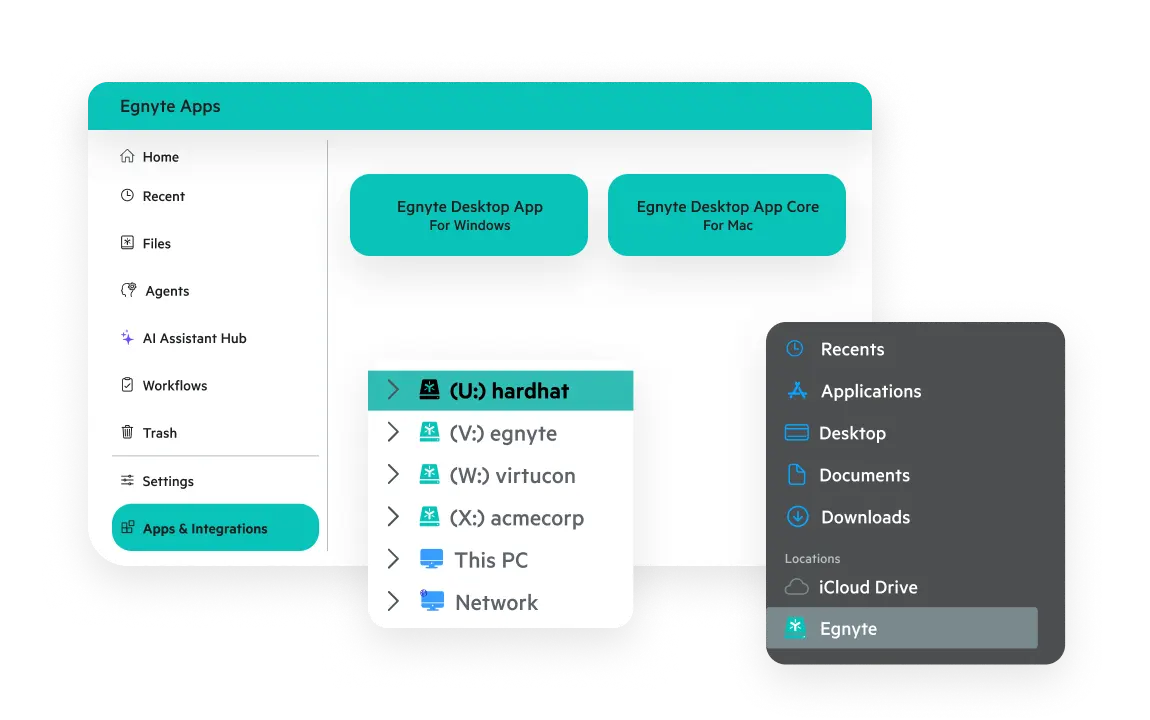
Access cloud-based files instantly via a familiar mapped drive or an intuitive app interface, just like a local drive. Get the seamless, high-performance experience your team needs to work efficiently from anywhere and boost productivity.
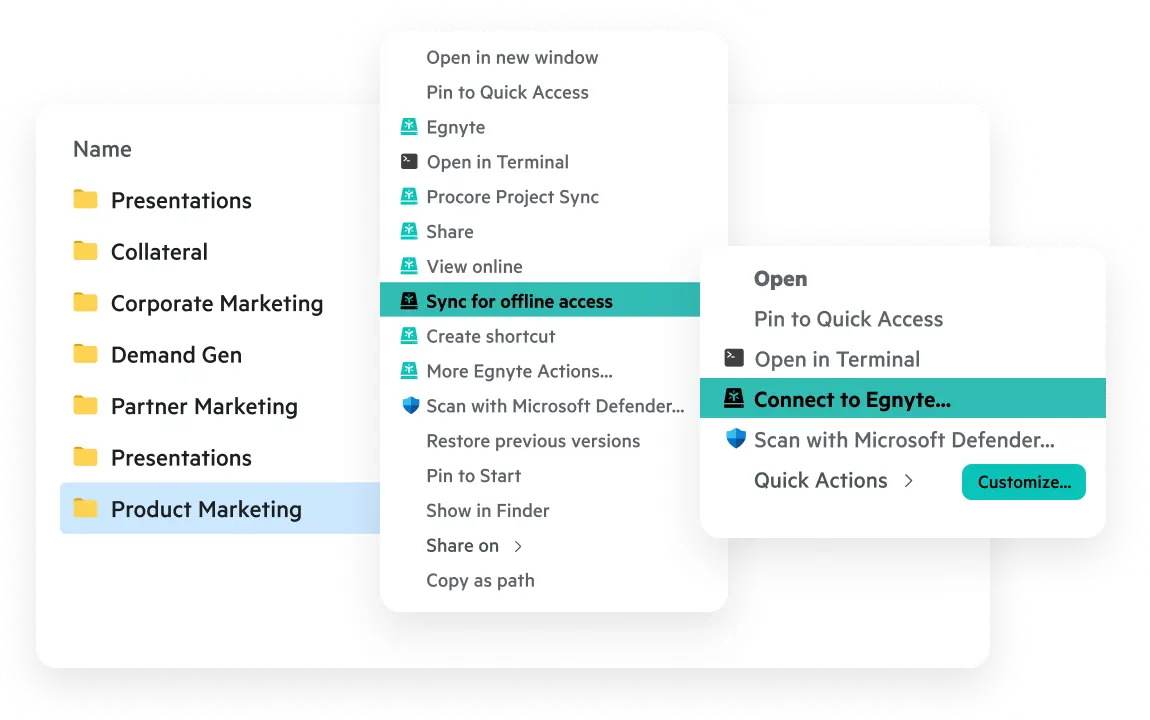
Stay in the flow with customizable quick actions for image editing, PDF conversion, markup, and more. Mark folders for offline access and implement connected folders to automatically sync desktop content to the cloud with just a click.
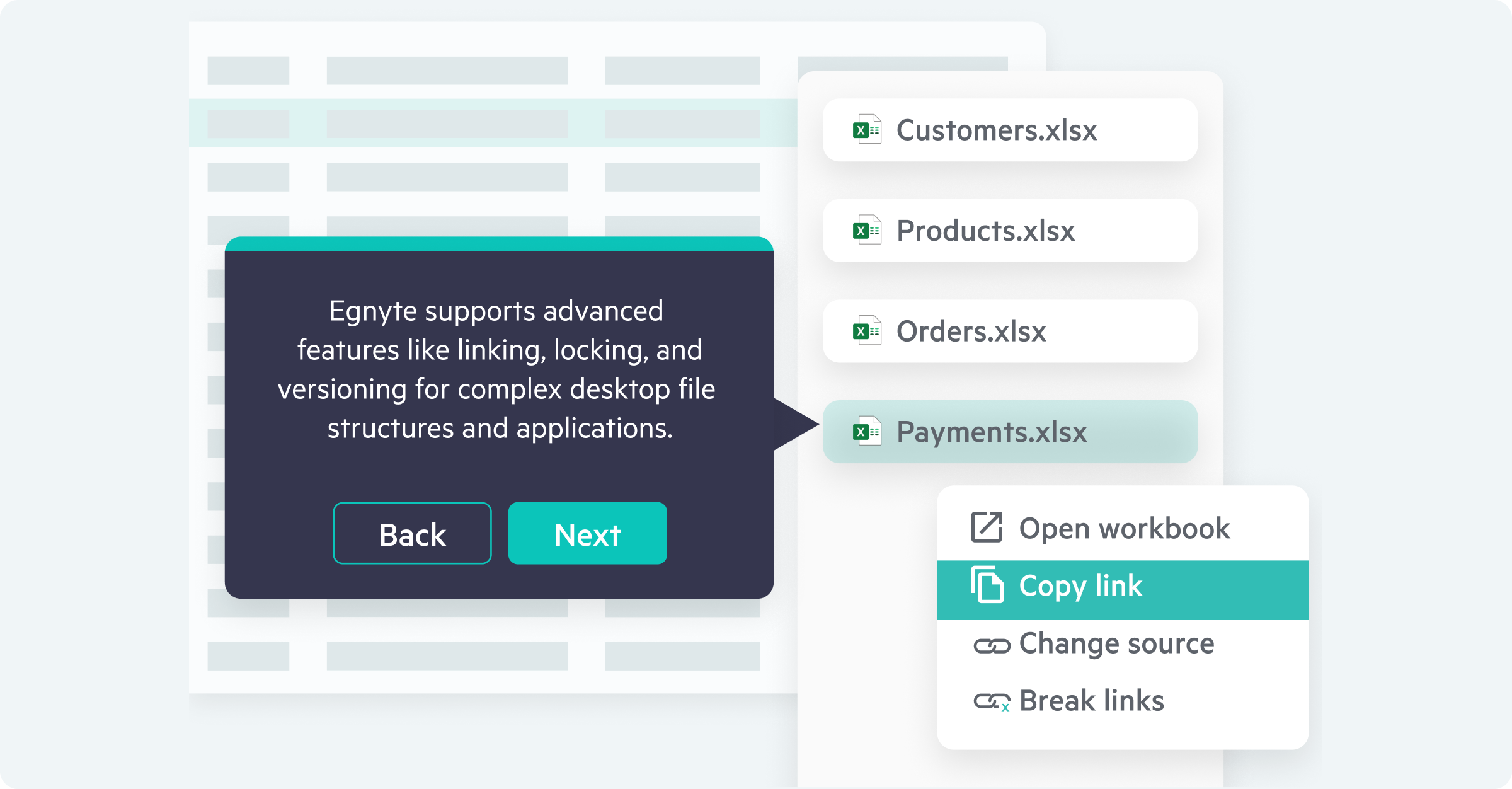
Create, collaborate on, and deliver complex files from industry-specific desktop applications with ease, regardless of size. Work with application-specific functions like locking, linking, and versioning.
Explore how the Egnyte desktop experience makes collaboration easy.
“Navigating and accessing files in Egnyte mirrors, to a tee, the way we’ve accessed our files for years. And it’s all in the cloud. Users who log into Egnyte work out of the same drive, no matter where they’re located.”

“Employees love the (Egnyte) solution and the ability to 'share in place’ with outside contractors. They needed minimal training, as they were able to access their files via a familiar interface, the mapped drive.”

"Egnyte is the only cloud solution I've seen that is truly enterprise data management, that solves for people working remotely, and that is completely secure and easy to use."

“Egnyte provides a solution that we believe truly transforms the way we work with each other and with our customers, delivering a seamless experience when collaborating inside and outside our company.”
Want to see what Egnyte has for your organization?
Discover how Egnyte’s platform, collaboration tools,
and file sharing enhance your business productivity
Have more questions? Contact Sales to get the answer you’re looking for.
Solutions like the Egnyte Desktop App allow multiple users to access, edit, and collaborate on documents without needing to leave their desktop workspace. The Egnyte Desktop app turns a user’s desktop into a cloud-connected workspace, helping ensure files stay synchronized across devices with full version transparency, security, and access to Intelligence features.
Yes. Many desktop synchronization apps allow users to sync selected folders to their local device for offline access. The Egnyte Desktop App is unique in that it turns the familiar drive letter experience may desktop users are used to without changing how they work. They can continue working on files without an internet connection, automatically syncing updates to the cloud once connectivity is restored. They can also collaborate in the cloud right from powerful desktop applications that may not have cloud-equivalents.
Desktop sync applications often use technologies such as delta sync, which only transfers the parts of a file that have changed instead of re-uploading the entire file. The Egnyte Desktop App uses similar optimization techniques to improve performance and reduce network usage when working with large files, like Adaptive Block Caching.
The Egnyte Desktop App supports complex file structures from a variety of applications across industries. The Egnyte Desktop App is also natively application aware, meaning it inherently works to adjust to network loads, application specific requirements, and file type and size nuances. This capability gets further optimized with Adaptive Block Caching.
The Egnyte Desktop App allows users to open, edit, and save files directly from these applications while maintaining secure cloud storage and version control. Integrations with the Microsoft Office Suite allow for secure sharing and co-editing right from the desktop versions of applications in the Microsoft Office Suite.
The Egnyte Desktop App provide a seamless workflow where files remain centrally managed while being accessible locally. More importantly, the Egnyte Desktop App makes it so users can collaborate on their content without leaving their familiar desktop setups.
Desktop file applications protect business data by synchronizing files with secure cloud storage and applying access controls and encryption. The Egnyte Desktop App integrates with the Egnyte content platform to help organizations manage files securely while maintaining governance policies. Desktop Configuration Profiles in Egnyte help admins auto configure the desktop experience for their users to help remove any blind spots and protect data from a single pane of glass with Egnyte Governance.
The Egnyte Desktop App supports these workflows by optimizing file transfers and maintaining consistent synchronization regardless of file size and application or origin. Adaptive Block Caching further optimizes this functionality by caching large files in more manageable file blocks.
The Egnyte Desktop App turns a user’s desktop into a cloud connected workspace, meaning how they usually work doesn’t need to change. This makes working remotely or in hybrid environments easy to collaborate on shared files without relying on traditional on-premises file servers.
Many organizations replace traditional file servers with cloud-based file access tools that integrate directly with desktop operating systems. However, many of these require users to change how they work The Egnyte Desktop App provides a familiar file system interface while connecting users to a secure cloud content platform via a cloud connected desktop drive, meaning users don’t need to change how they work.
includes built-in version control within its platform, allowing teams to maintain a clear history of file updates and edits regardless of what device they are working off of.
Ready to improve productivity? Egnyte’s AI-powered cloud enhances collaboration, automates workflows, and secures your mission-critical content.