Featured Resource

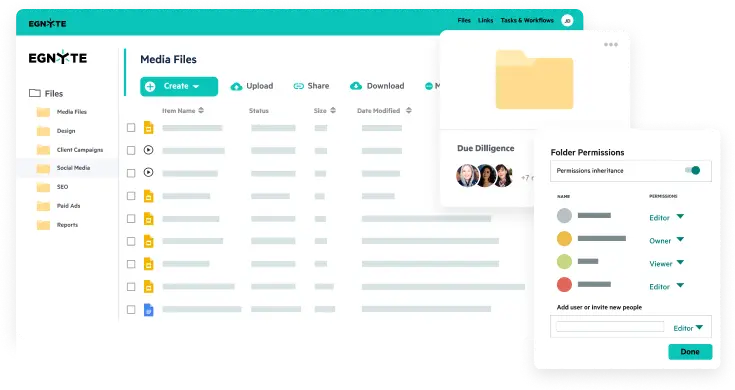


Egnyte enables creative teams to collaborate on large creative files in real time without disrupting workflows.


Media and entertainment organizations operate across multiple
disciplines— each with distinct workflows, collaborators, and
performance requirements. Egnyte provides a unified file foundation that
adapts to these roles without fragmenting access, security, or
governance.


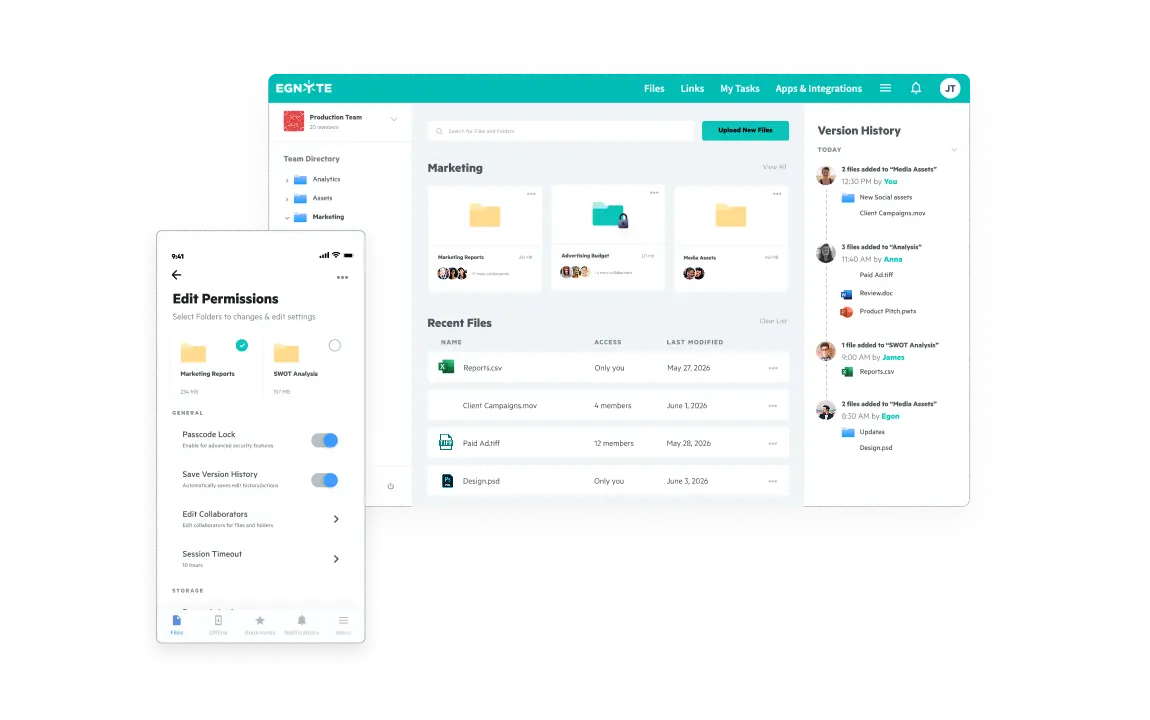
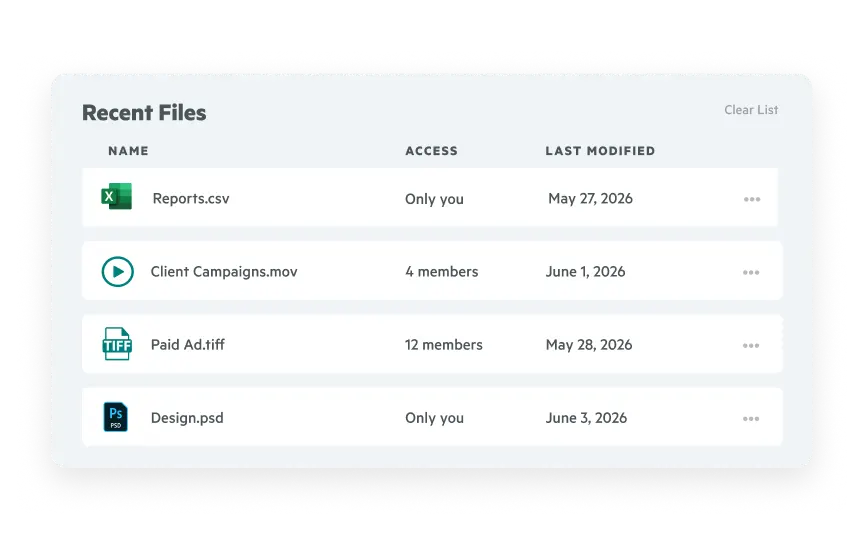
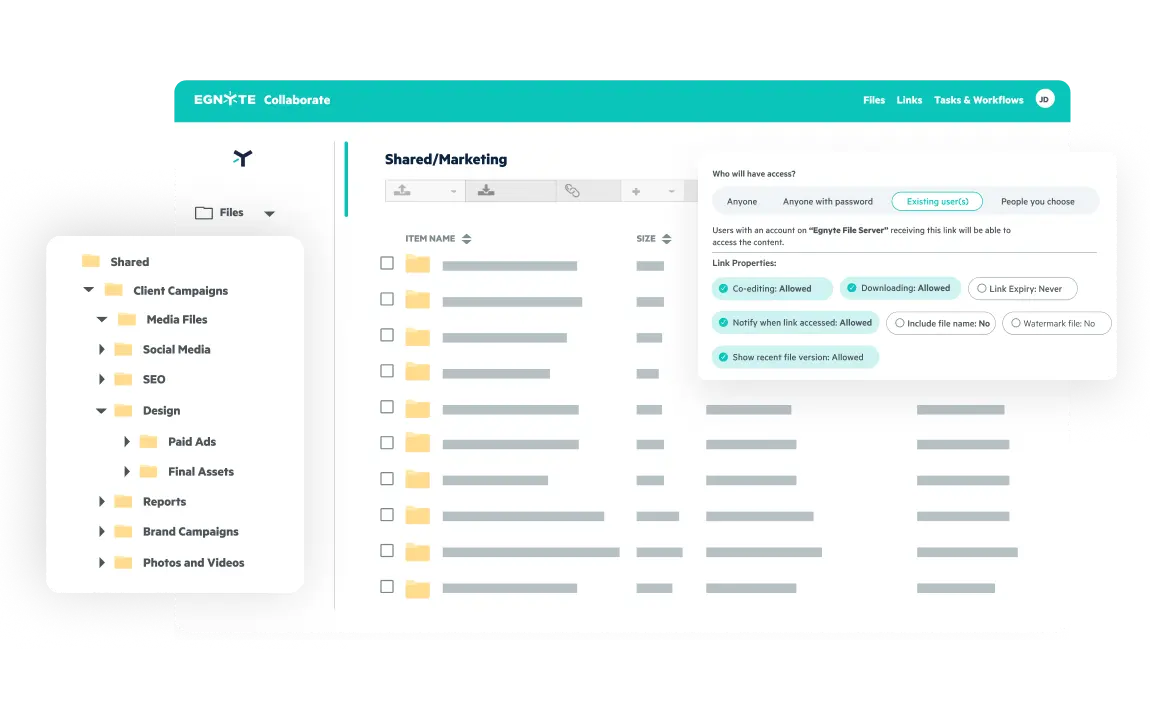
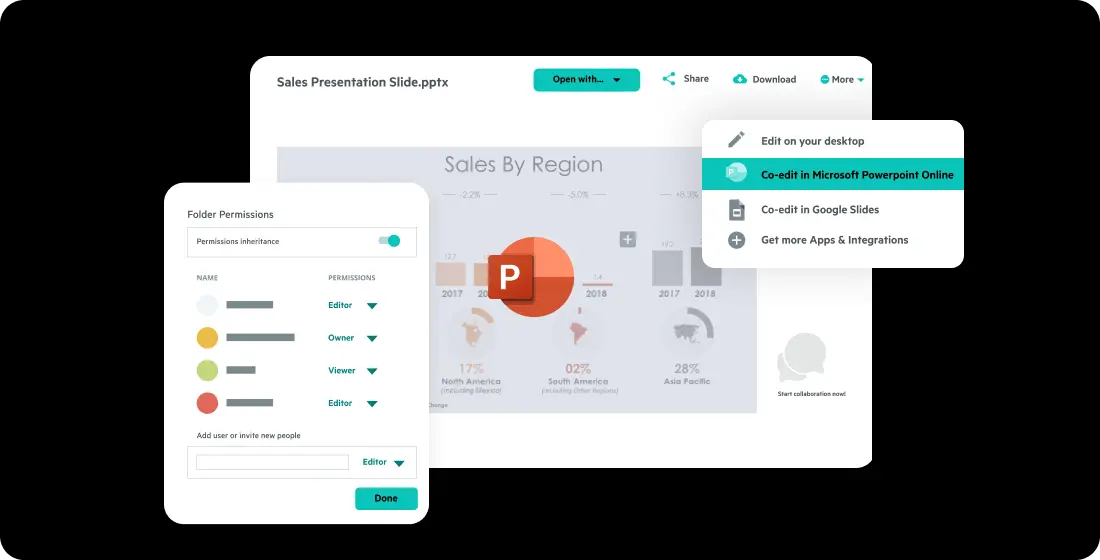
Egnyte provides a centralized collaboration layer for media teams to organize projects, manage access, and track changes across the full creative lifecycle. Assisting with project-based creative workspaces, secure external contributors and client access, and version history and change visibility.
Work directly with high-resolution video, design, and photography files without forcing full downloads, duplicating assets, or disrupting creative tools.
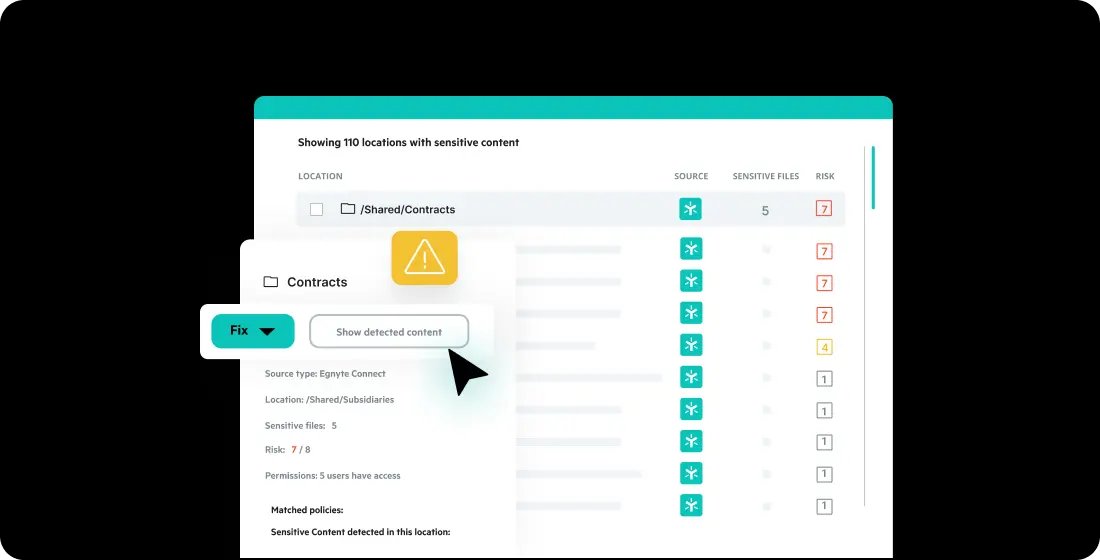
Protect sensitive client content with granular permissions, audit trails, ransomware detection, and lifecycle management—without slowing creative velocity.
Want to see what Egnyte has for your organization?




$22 / User / Month
Paid annually*
$38 / User / Month
Paid annually*
MOST POPULAR
Advanced AI
$46 / User / Month
Paid annually*
Advanced AI
Contact us for a
custom quote

Egnyte is trusted by thousands of IT leaders and end users. We are industry leaders in data security, data governance, cloud content collaboration, and tools for IT managers.

Cloud Content
Collaboration
Data
Security
Data
Governance
Data-Centric
Security
Sensitive
Data Discovery
Autodesk Construction
Cloud Integration
Partners
Electronic Trial
Master File (eTMF)
Have more questions? Contact Sales to get the answer you’re looking for.
Yes. Leading cloud file platforms are built to support large media file types commonly used in creative and production workflows, including high-resolution video, RAW image formats, and complex design files. These platforms allow teams to store, access, and share large files reliably across distributed teams while maintaining performance and availability.
Yes. Centralized cloud file platforms allow teams to collaborate within shared project workspaces that maintain a single source of truth. By tracking changes automatically and preserving version history, teams can collaborate across large files without relying on duplicate copies or manual file handoffs, even during fast-moving review cycles.
Yes. Creative teams can access files through desktop applications that present cloud content in familiar folder structures, as well as through browser-based access for review, sharing, and approvals. This flexibility allows different roles to work in ways that fit their existing workflows while maintaining centralized permissions, version tracking, and governance.
Cloud file platforms automatically track file versions as changes are made, ensuring teams can always identify the most current version while retaining access to previous revisions. This helps prevent accidental overwrites, reduces confusion during rapid collaboration, and allows teams to restore earlier versions when needed.
Media teams can securely collaborate with external contributors by granting limited, role-based access to specific files or folders. Permissions can be adjusted at any time, downloads can be restricted, and access can be time-limited. All activity is logged, giving teams visibility and control without requiring external collaborators to have full system access.
Yes. Cloud file platforms allow teams to organize content by client, campaign, or project while applying granular permission controls. This ensures client assets remain isolated from one another and only accessible to authorized collaborators throughout the lifecycle of each engagement.
Yes. Audit logs and activity tracking provide visibility into file access, downloads, and changes. This supports accountability, internal governance, and client trust by allowing teams to understand how creative assets are used at every stage of a project.
Cloud platforms provide enterprise-grade security and governance capabilities, including permission management, activity monitoring, ransomware detection and recovery, and data lifecycle controls. These features help protect sensitive creative and client content while supporting collaboration across internal teams and external partners.
Yes. Media teams can manage content across active projects, delivery, inactive storage, and archive within a single platform. Lifecycle controls help maintain visibility and governance as content moves through different stages, without disrupting access or collaboration.
See how Egnyte provides a secure, high-performance file platform that supports creative velocity while maintaining control, visibility, and client trust.