

23,000+ Customers Across 112 Countries









Built for Every Project Phase
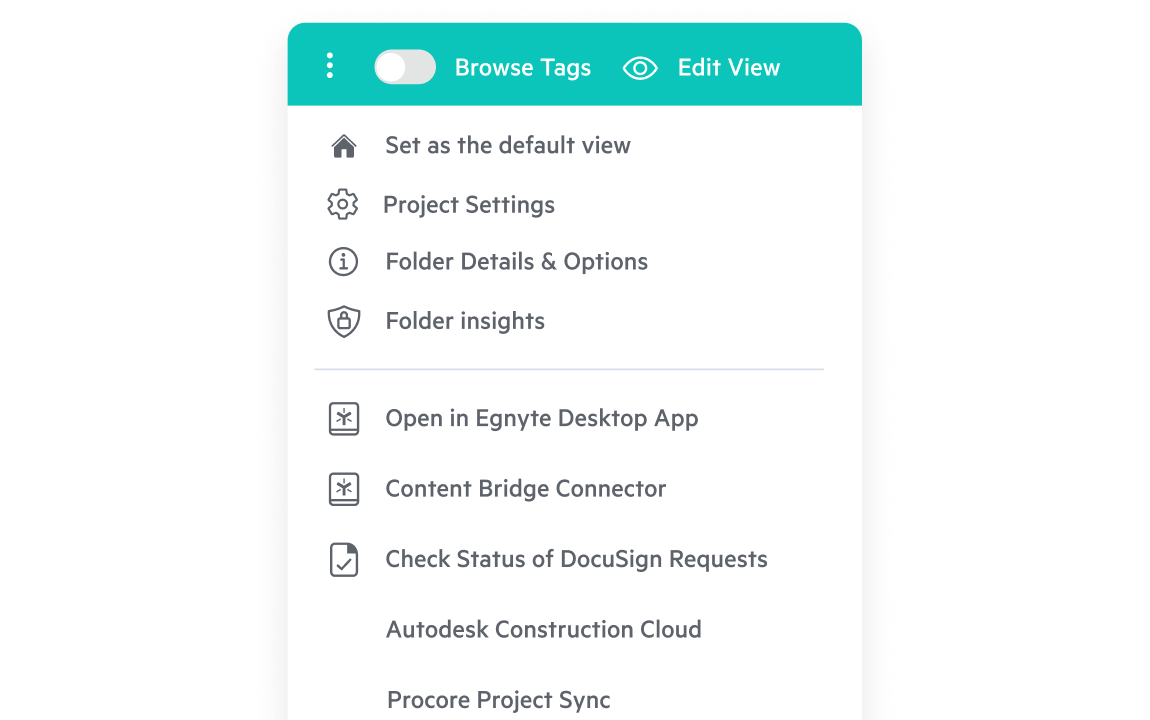
Standardize Every Project
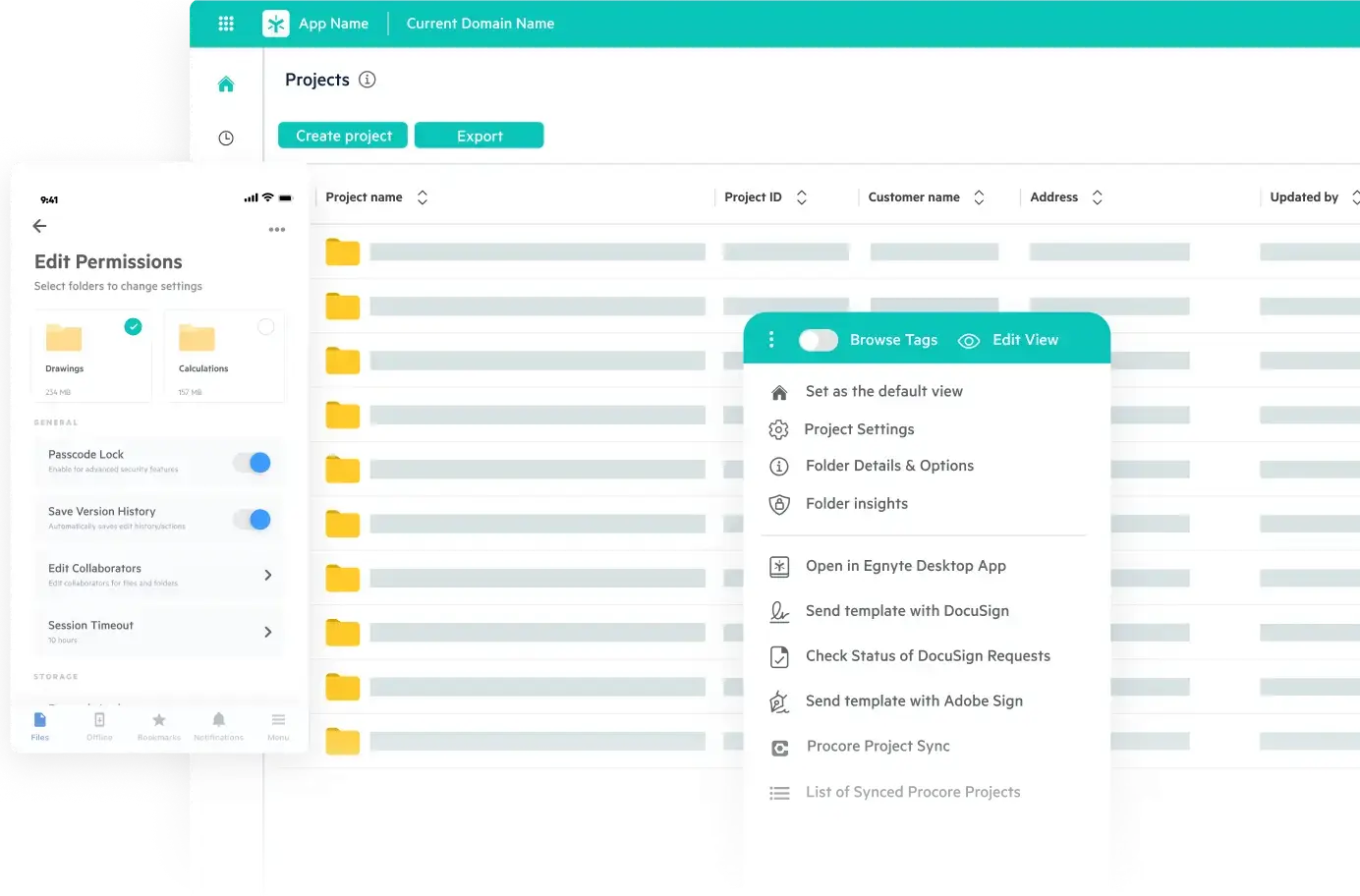
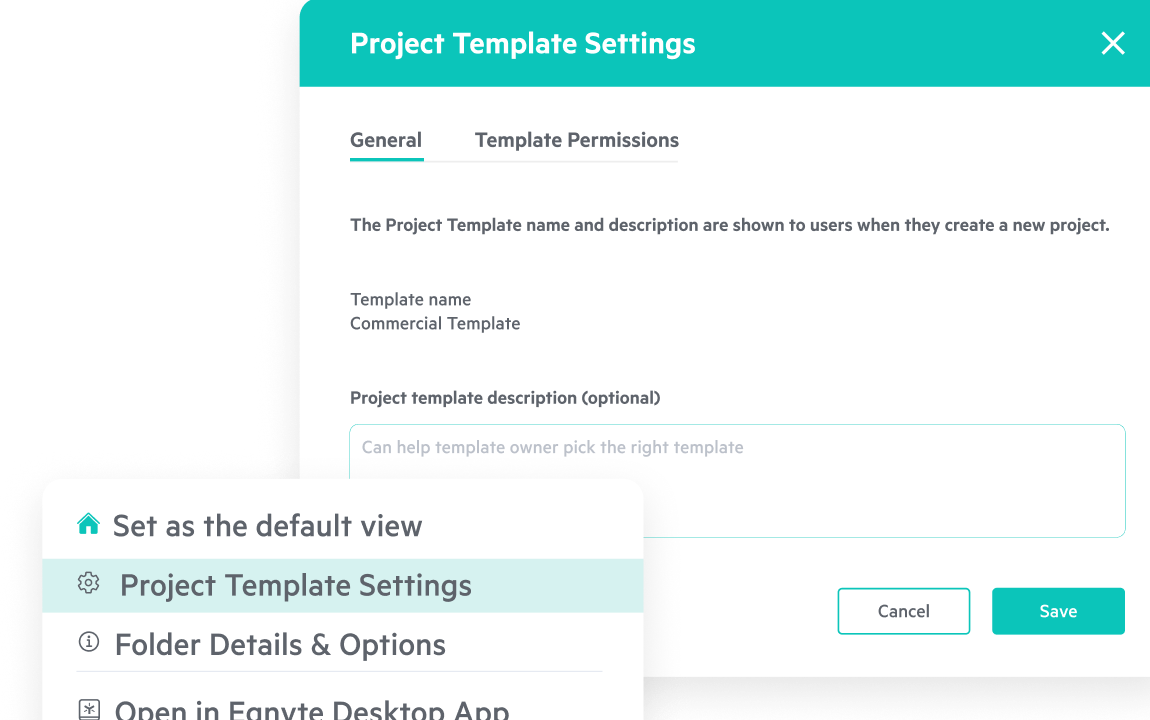
Create consistent folder structures across all jobs with project templates. Ensure every project starts organized, permissions are automatically applied, and file locations are predictable, to help teams find information faster and maintain compliance.
Collaborate Without Friction
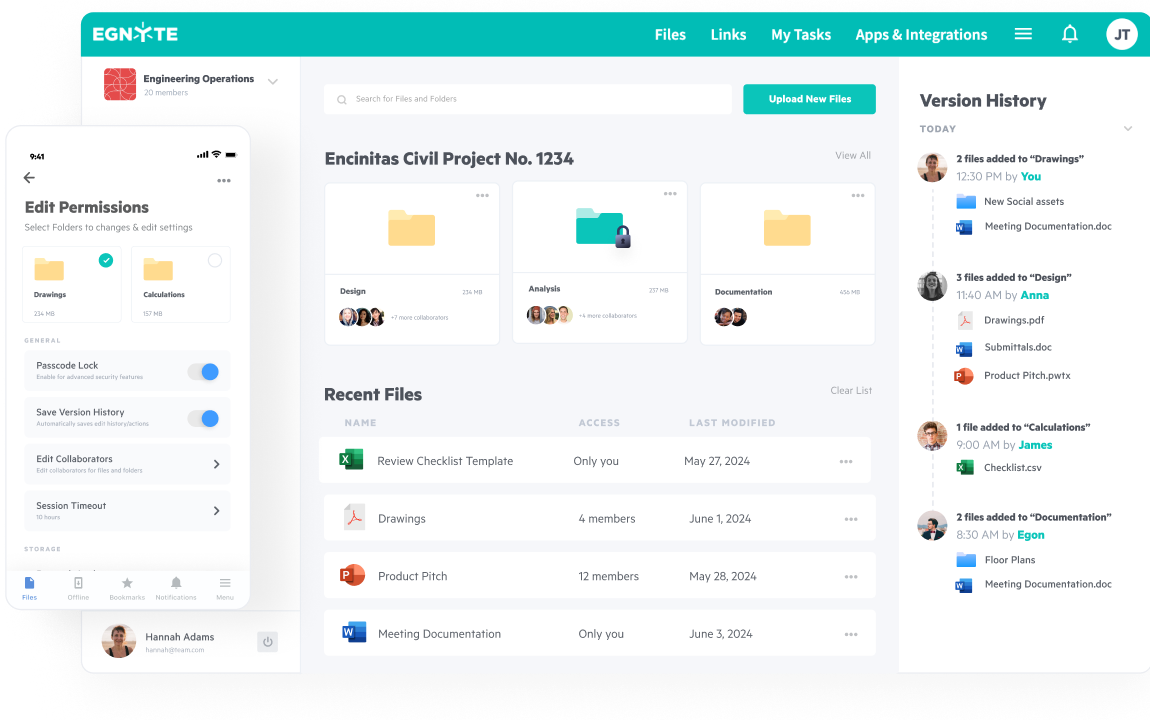
Connect architects, engineers, and builders in one unified workspace. Integrate directly with Autodesk Forma and Procore to securely share drawings and documents, maintain version control, and eliminate duplicate files across platforms.
Govern With Confidence
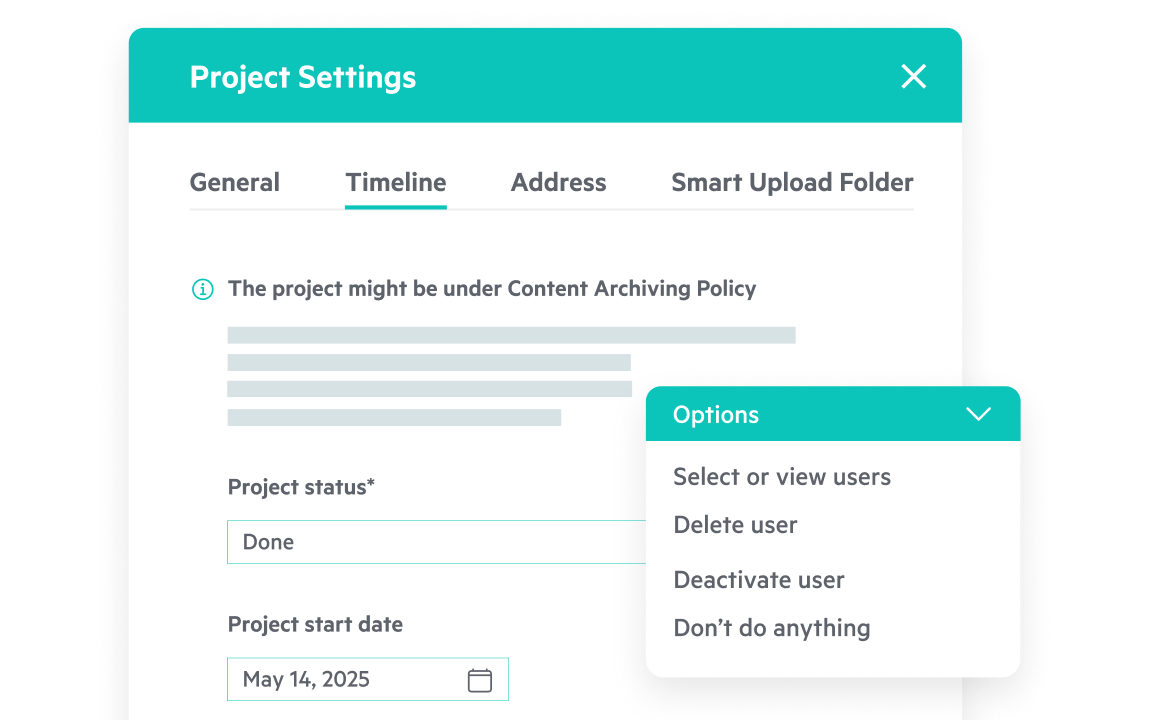
Protect intellectual property and ensure compliance through built-in access policies and retention rules. Automate lifecycle transitions, such as archiving or closeout, and maintain complete audit trails across projects for enhanced accountability and client trust.
Work Anywhere Securely
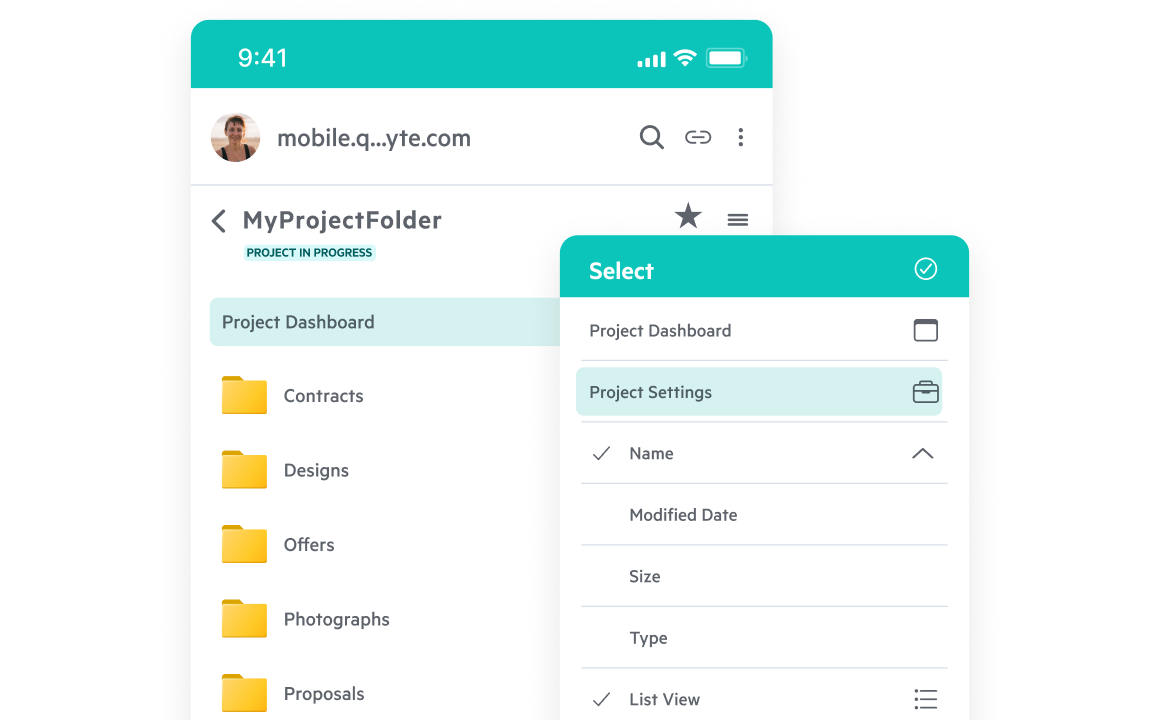
Access project data anywhere, in the office, field, or remote sites. Preview large files instantly, upload photos from mobile devices, , and sync updates in real time to keep distributed teams connected.
Automate the Routine
Utilize AI-driven rules to tag, sort, and file project data automatically. Let Project Hub manage the repetitive work so your teams can focus on design, delivery, and client satisfaction.
See Project Hub in Action
Explore how AEC firms use Egnyte Project Hub to simplify setup, secure collaboration, and accelerate project delivery.
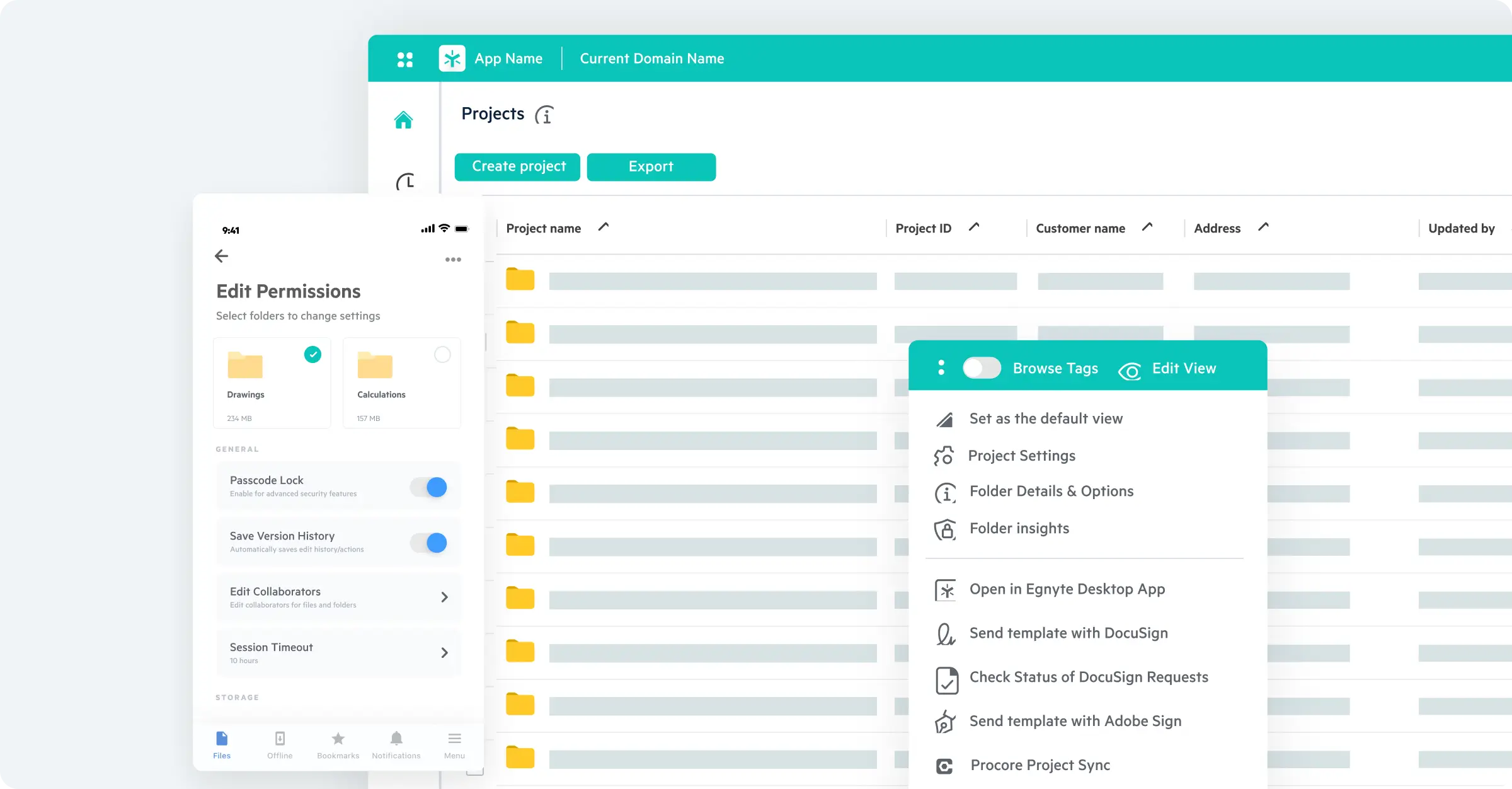
Enhance Every Stage of Work
Expand your Project Hub experience with Egnyte solutions that simplify file access, streamline
collaboration, and deliver AI-powered insights.
Explore More Resources
View All Resources


Frequently Asked Questions
Have more questions? Contact Sales to get the answer you’re looking for.
How can AEC firms standardize project folder structures across all jobs?
Project Hub uses project templates to create consistent folder structures from kickoff. Every project starts organized, with permissions automatically applied and file locations predictable across teams. This reduces time spent searching for documents, supports compliance, and eliminates the ad hoc folder structures that create confusion when team members or external partners need to navigate a project quickly.
How does Project Hub integrate with Procore and Autodesk Construction Cloud?
Project Hub integrates directly with Autodesk Construction Cloud and Procore, letting architects, engineers, and builders securely share drawings and documents across platforms in one unified workspace. Version control is maintained across all connected tools so teams always work from the current file and duplicate copies caused by manual transfers between systems are eliminated.
How can AEC firms manage construction documents across the full project lifecycle?
Project Hub governs documents from creation through closeout and archive using built-in access policies, retention rules, and automated lifecycle transitions. When a project moves to closeout, Project Hub can trigger archiving automatically rather than relying on manual intervention. Audit trails are maintained across every project, supporting accountability requirements and giving clients visibility into document history.
How can AEC teams access project files securely from the field without a VPN?
Project Hub gives field teams secure access to project data from any location office, jobsite, or remote site without requiring a VPN. Large files preview instantly, photos can be uploaded directly from mobile devices, and updates sync in real time to keep distributed teams connected to the latest drawings and specifications.
How can AEC project teams reduce manual administrative work with AI automation?
Project Hub uses AI-driven rules to automatically tag, sort, and file project data as it's created or modified. Rather than having teams manually organize uploads or route documents to the right folder, Project Hub handles the routine classification in the background freeing architects, engineers, and project managers to focus on design, delivery, and client work.
How do AEC teams ensure everyone is working from the latest version of a drawing or document?
Project Hub maintains version control across all files and connected platforms so every team member automatically accesses the current version. Version history lets teams review who changed what and when, and integration with Procore and Autodesk Construction Cloud eliminates the out-of-sync copies that typically cause rework and coordination failures on large, multi-team projects.
What are the benefits of centralizing AEC project documents in one controlled platform?
Centralizing in Project Hub connects architects, engineers, builders, and external partners in one governed workspace, replacing scattered shared drives and disconnected tools. Teams find information faster, permissions are enforced consistently, and compliance is supported through built-in governance and audit trails. Because Project Hub integrates with Procore, Autodesk, and other AEC systems, centralization doesn't require abandoning existing workflows.
Speak With an Egnyte Specialist Today
Ready to improve productivity? Egnyte’s AI-powered cloud enhances collaboration, automates workflows, and secures your mission-critical content.